
Welcome to Trail Map
Your project with Growth in one location: the plan, the work that Growth does for you, and the items that wait for you.
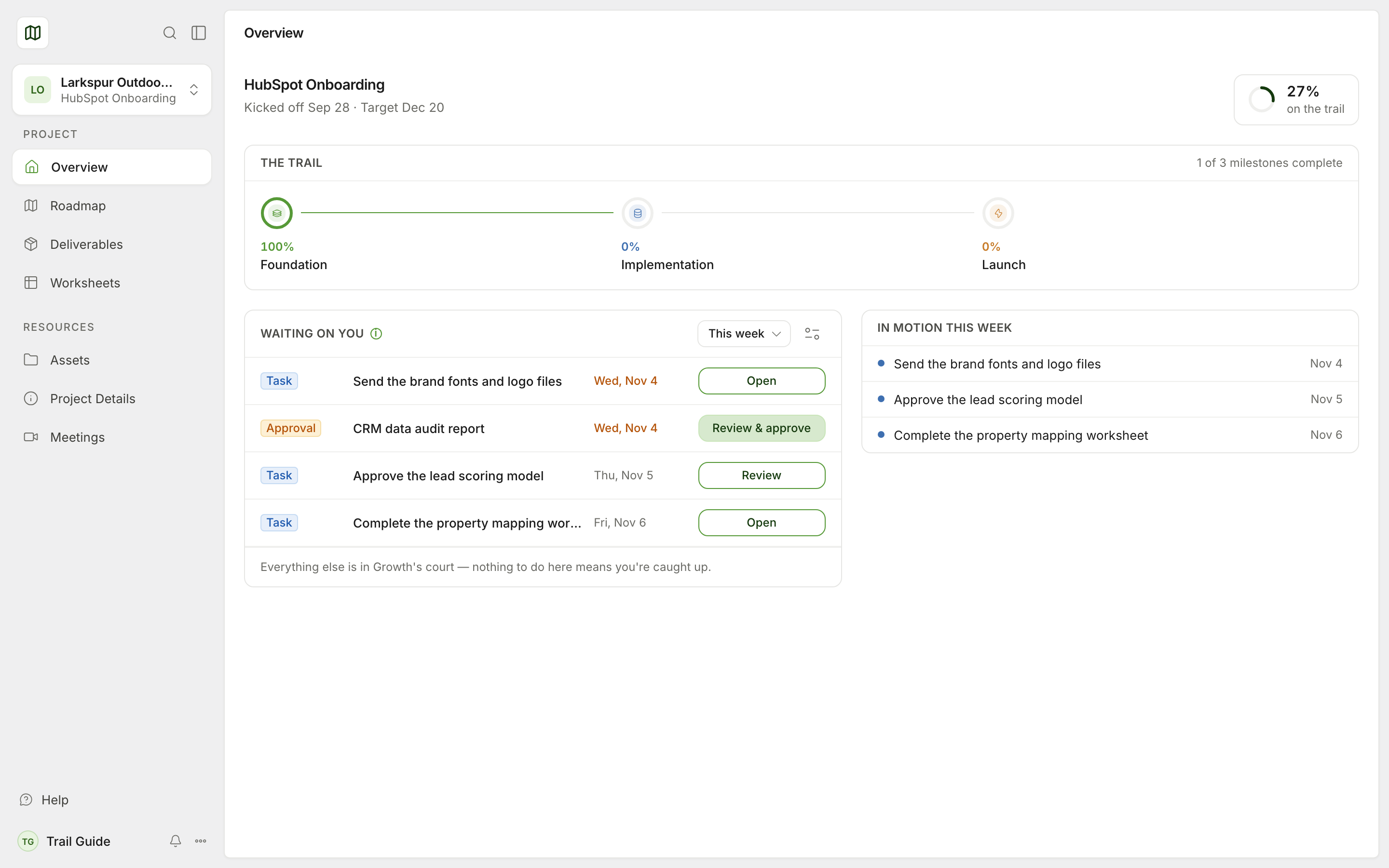
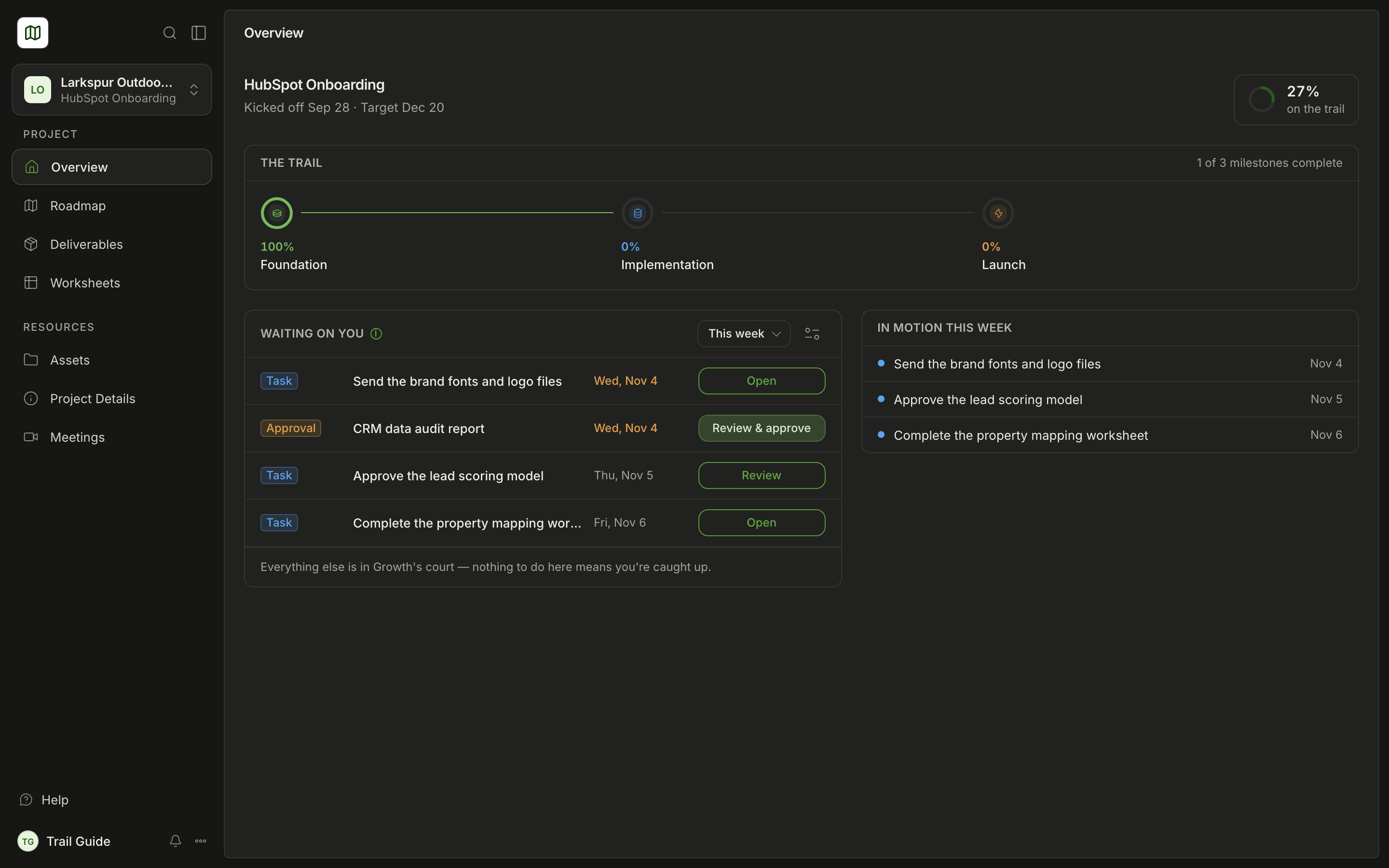
Growth updates Trail Map when the work changes. Trail Map always shows the latest status of your project. You see only the parts of the project that Growth shares with you.
The four parts of a project
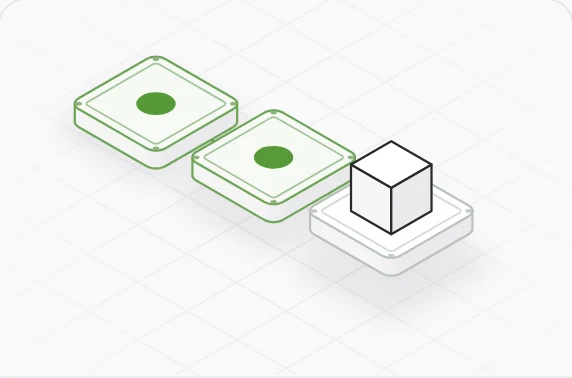
Each milestone is one stage of the work.
Tasks
Each task is one item of work for Growth or for you.
Deliverables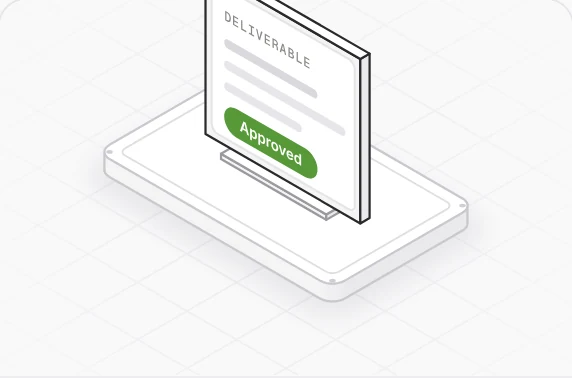
Growth makes each deliverable and asks for your approval.
Meetings
Each call has a summary and a recording.
What you can do in Trail Map
The Overview shows the progress, the items that wait for you and the work for this week.
Follow the planThe Roadmap shows all milestones and the tasks in each milestone.
Approve deliverablesExamine the work from Growth. Then approve it or ask for changes.
Complete worksheetsGive Growth the data that it asks for, one row at a time.
See your meetingsRead the summary and watch the recording of each call.
Talk to the teamWrite a comment on a task, a milestone, a deliverable or a worksheet row.
See it in action
See the progress and the items that wait for you.
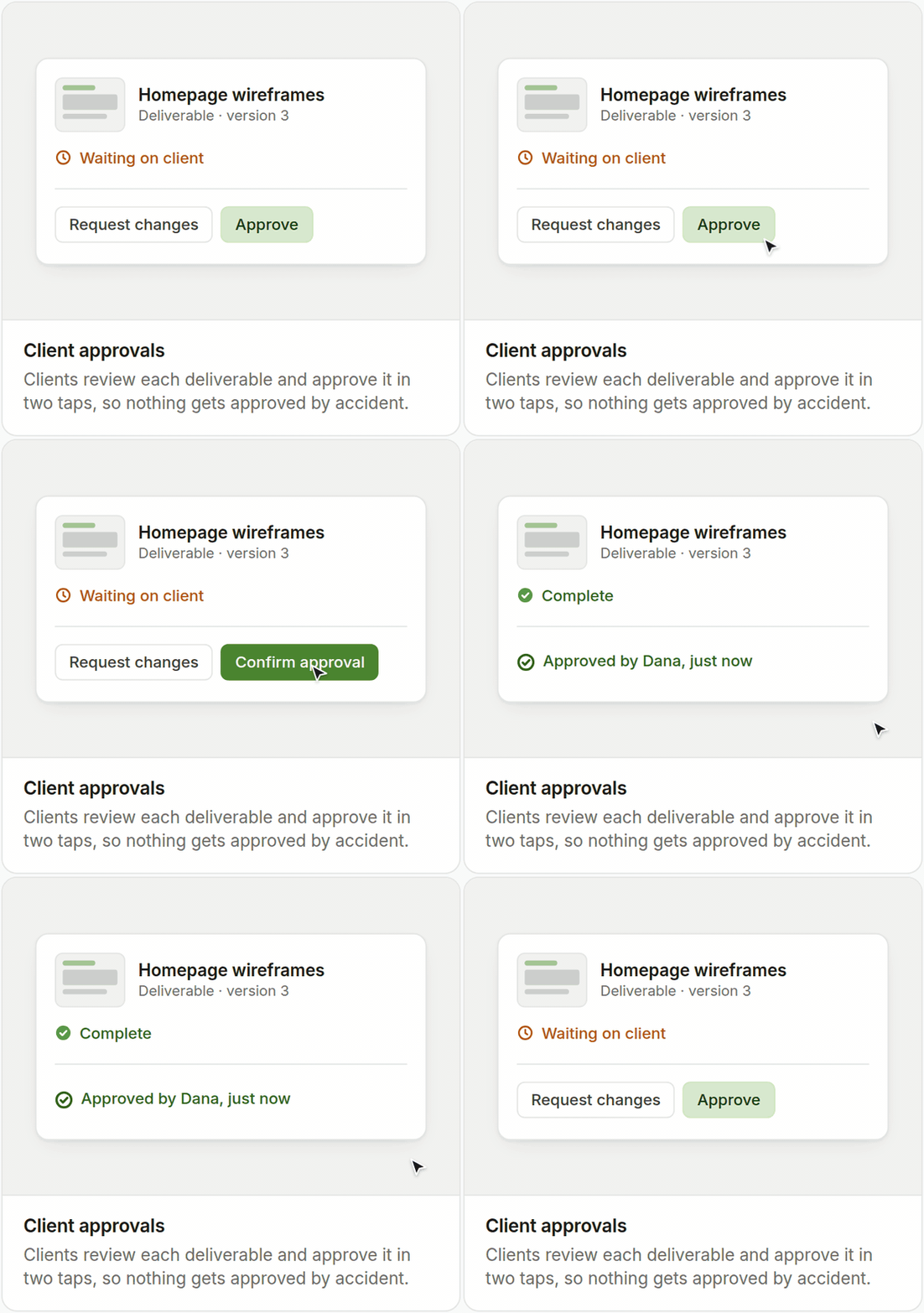
When you approve a deliverable, Trail Map records your name and the time.
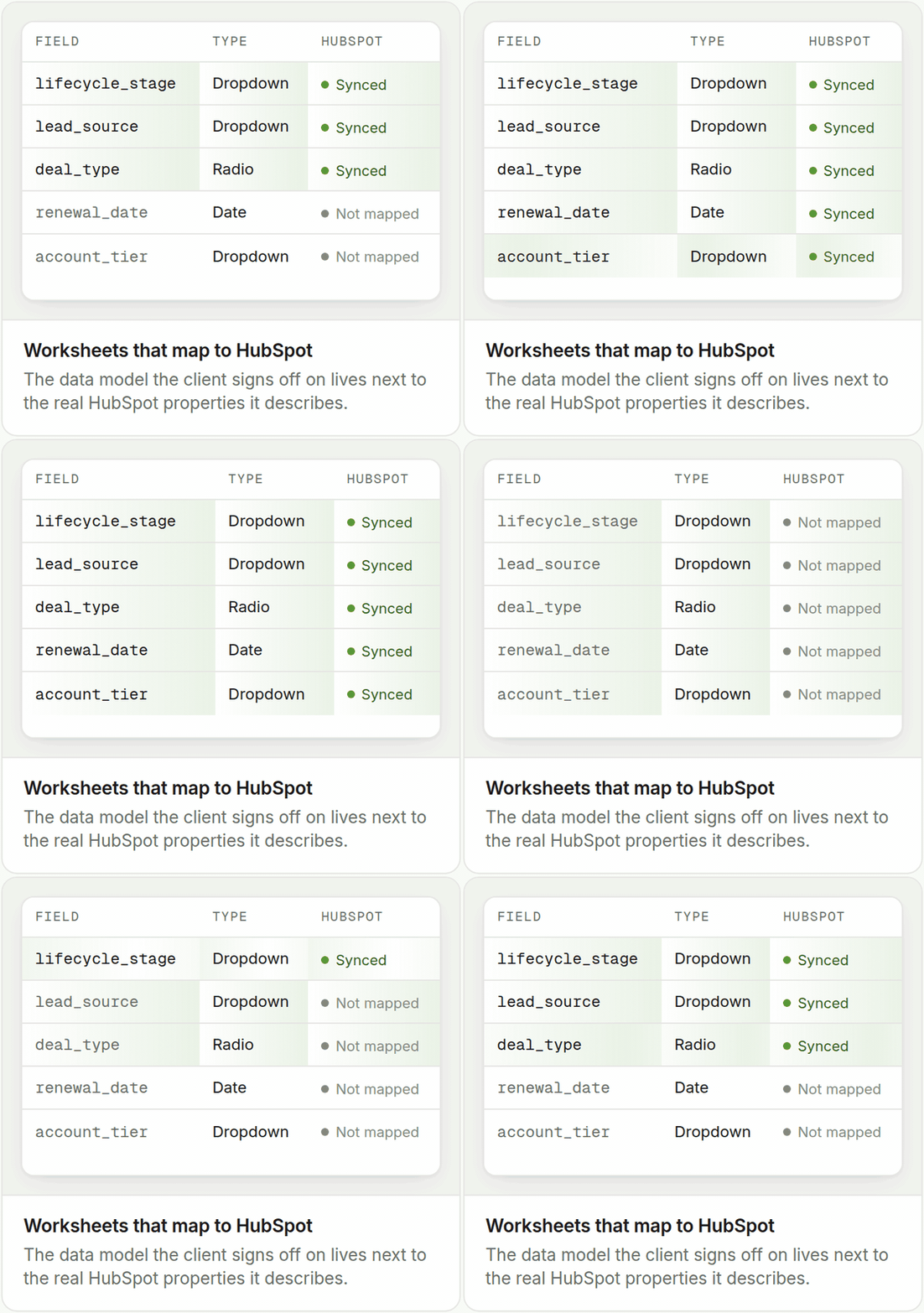
Give Growth the data that it asks for, one row at a time.
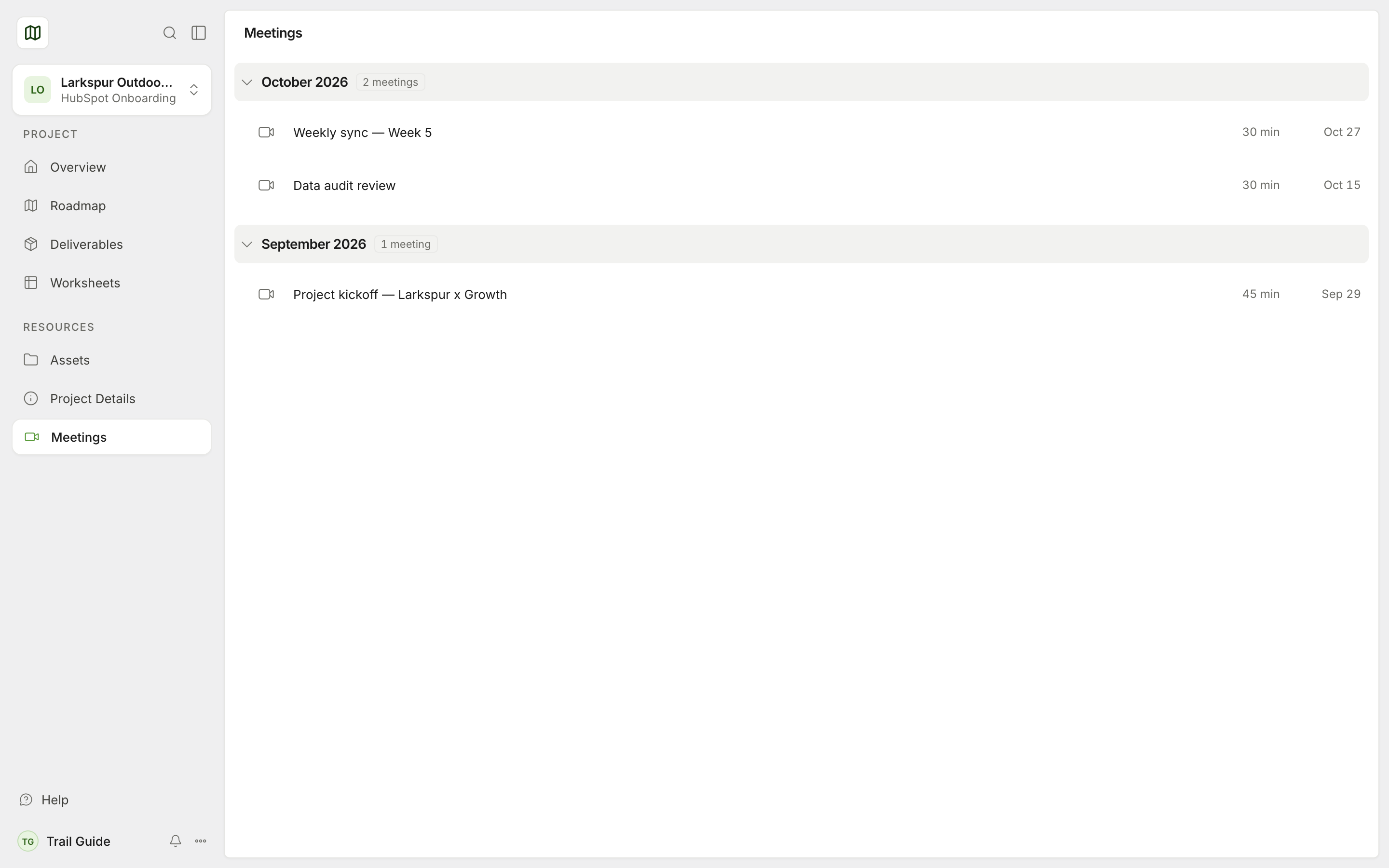
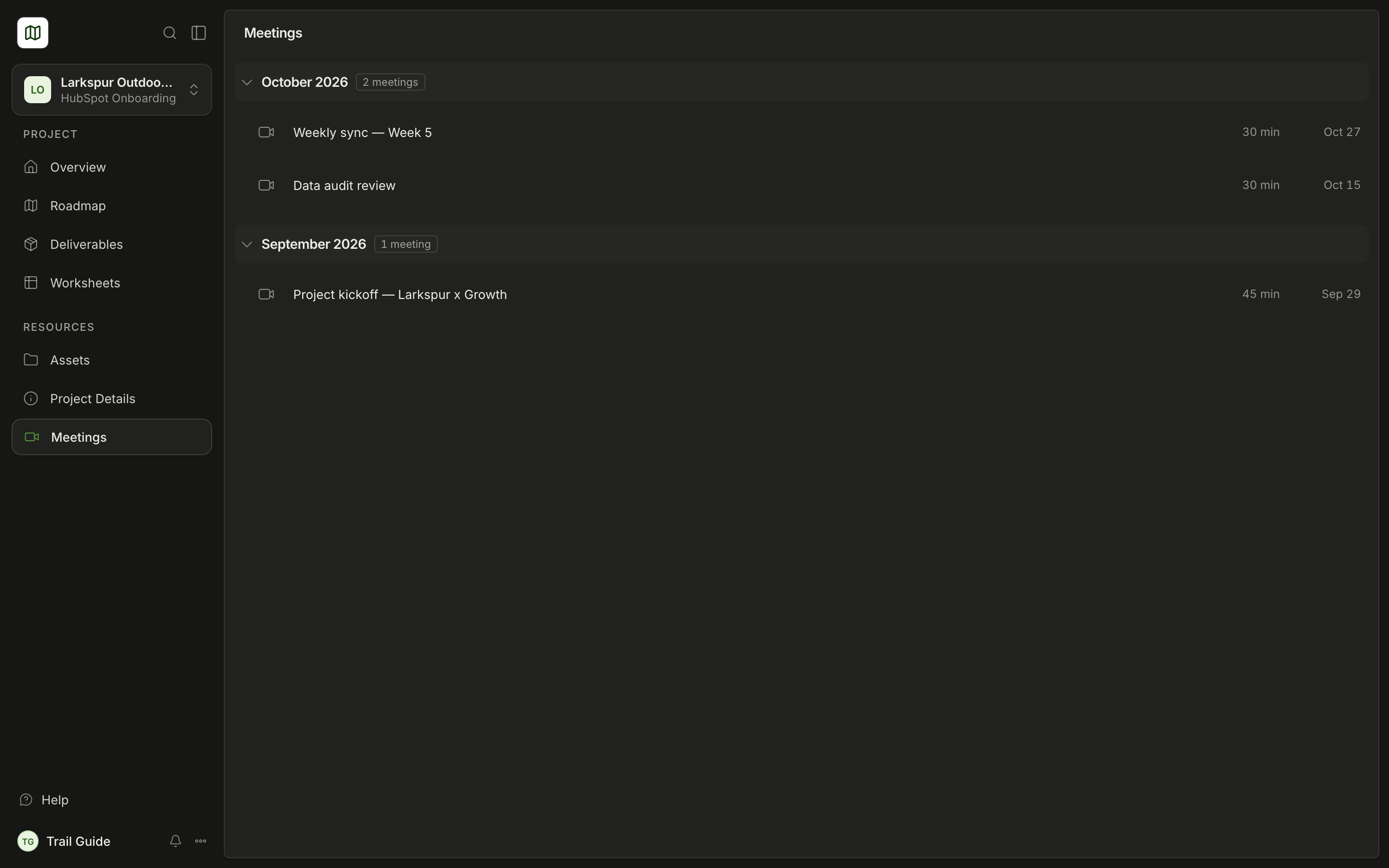
Read the summary and the decisions from each meeting with Growth.
Terms in Trail Map
| Term | Meaning |
|---|---|
| Milestone | A stage of the project, for example one week of work or one objective. Each task is in a milestone. |
| Task | One item of work. Each task is for Growth or for you. |
| Deliverable | A thing that Growth makes for you, for example a workflow, a list or a report. |
| Worksheet | A table that you and Growth complete together. |
| Approval | Your "yes" for one deliverable. |
| Sign-off | Your "yes" for a full milestone. |
Where to start
First, read Sign in to Trail Map. Then read Find your way around. If you have a problem, use Help to speak to the Growth team.
Was this page helpful?