
Assets and project details
The files and links for your project, and the data about your project.
Assets
Assets has the files and links for your project. The recordings of calls are in Meetings.
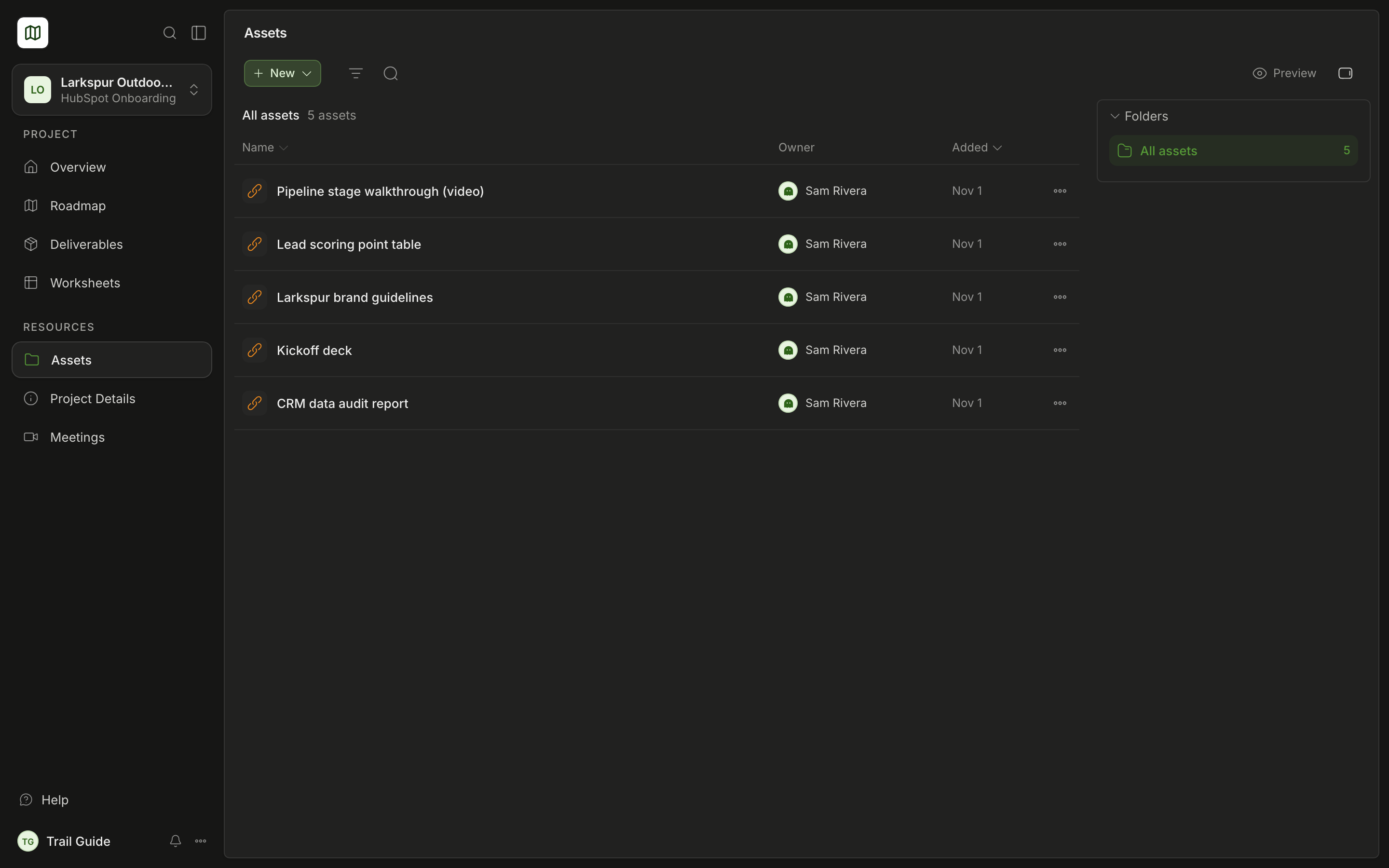
The table shows the Name, the Owner and the Added date of each asset. The folders are on the right. Select a folder to see only its contents. Select All assets to see all the assets.
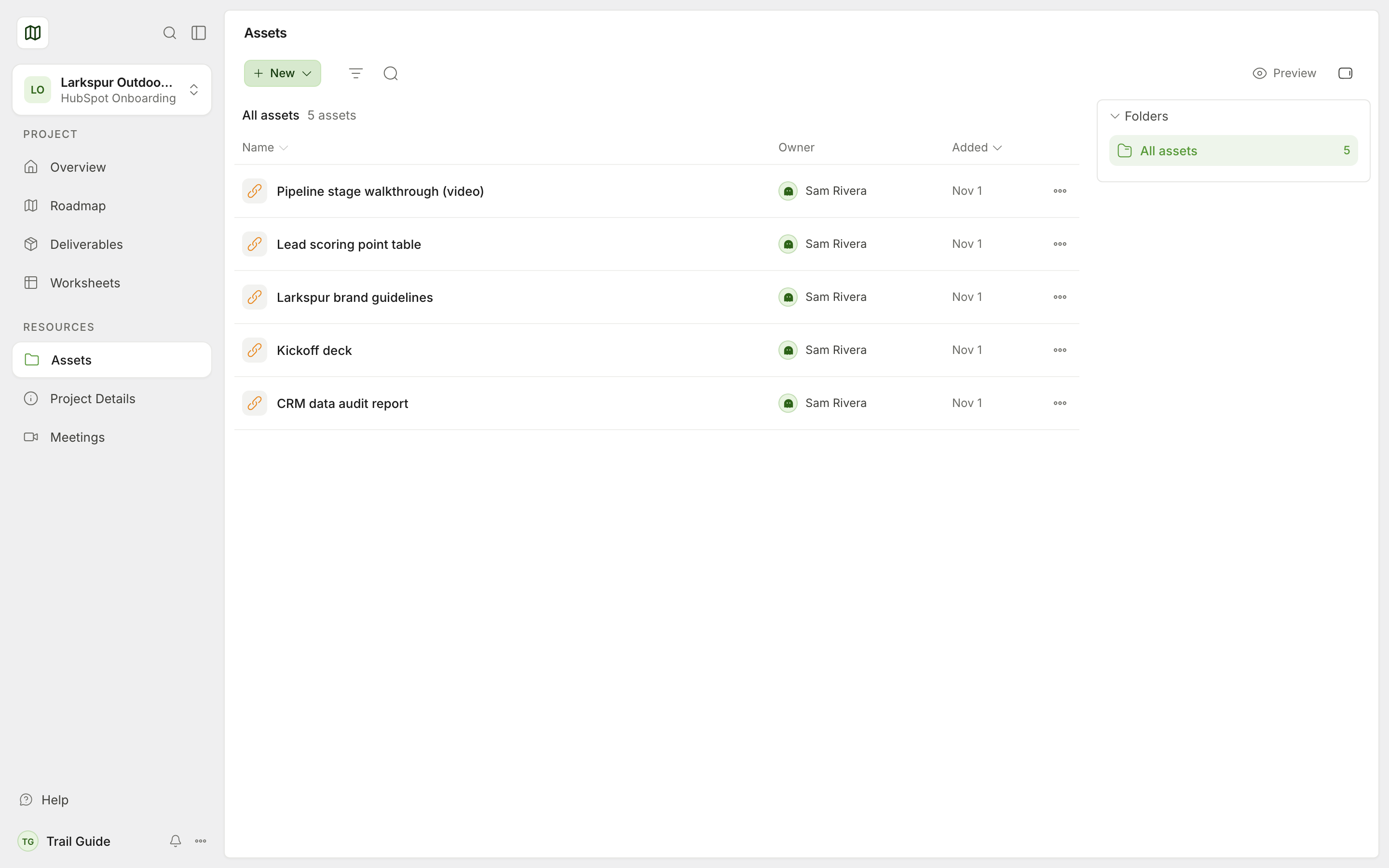
Find an asset
- Search assets finds an asset by its name.
- Filters shows only some assets: by type (Links, Files, Recordings), by the person who added them, or by date.
- Preview opens the asset next to the list. These assets show in the page: Google Docs, Sheets, Slides and Drive files, PDFs, images and CSV files. Loom, YouTube and Vimeo videos play in the page. Some websites do not permit this. For these websites, you get an Open button.
Add a file or a link
- Select New, then Upload file or Add link.
- Select the file (10 MB maximum) or paste the link.
- Type a Name.
- If necessary, select a Folder and the related tasks or deliverables.
- Select Upload or Add link.
Growth can see the items that you add. Growth makes the folders. You can put your assets in a folder, or you can keep them outside the folders.
Change an asset
Open the menu of an asset (Actions for and the asset name). Then select Open or Download. For assets that your team added, you can also select Rename or Move to folder.
Project Details
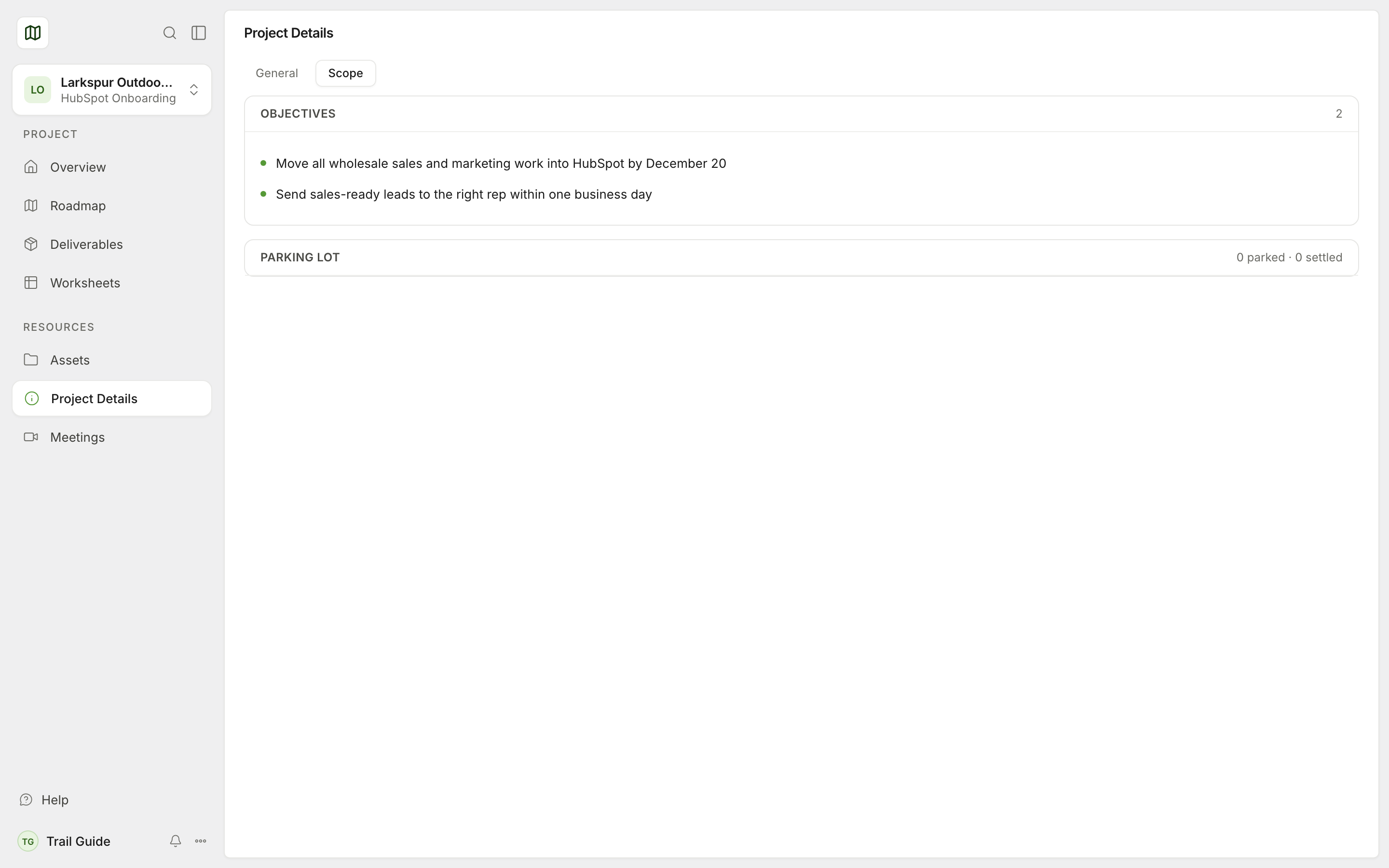
Project Details shows the reference data for your project. All the data on this page is read-only.
General
- Quick links. These are the links that Growth pinned for you.
- Engagement. This shows the project name, the project type and the start date.
- People. This shows the persons on the project from Growth and from your team. A lead tag shows the project lead for your team.
Scope
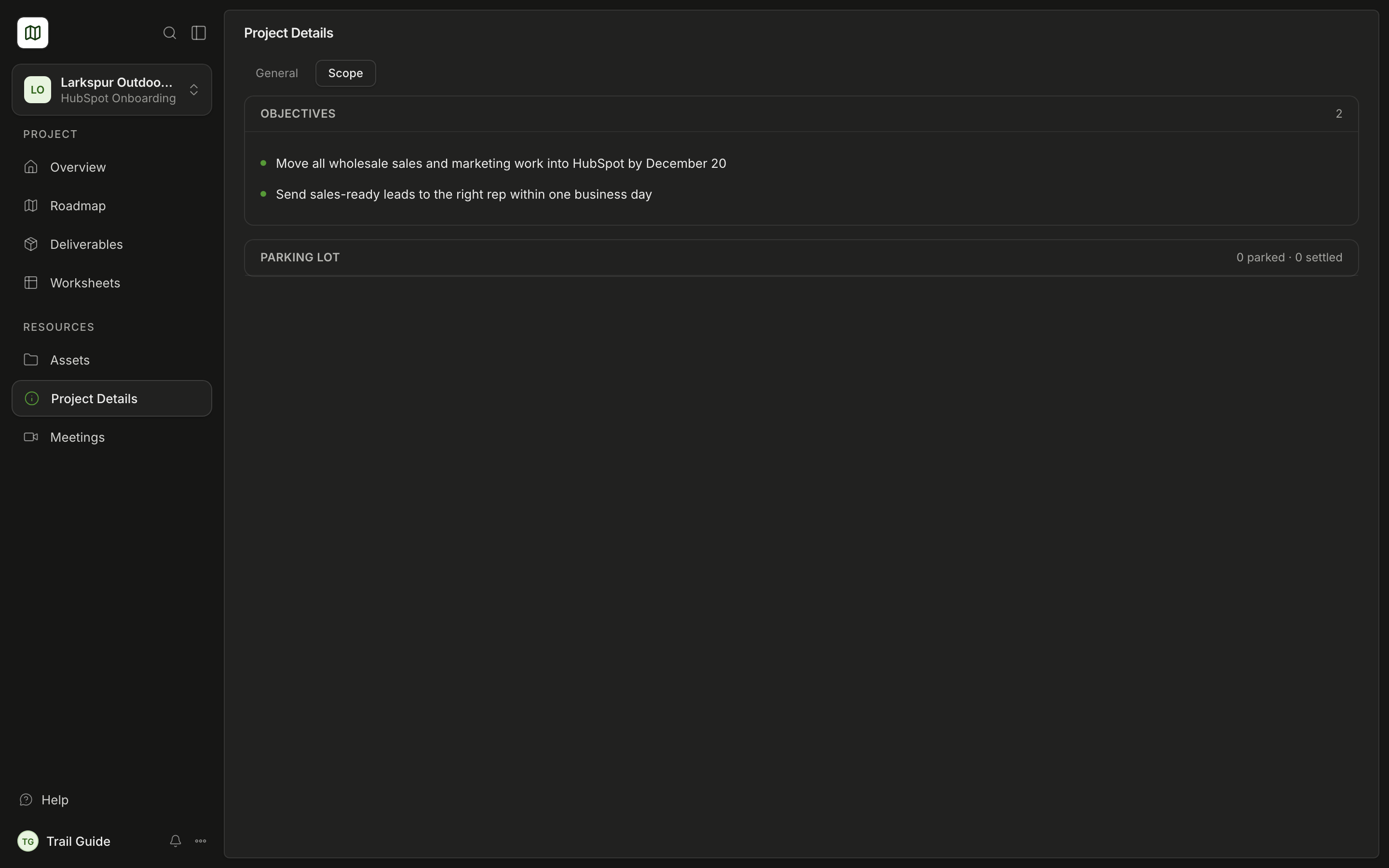
- Objectives. These are the goals of the project.
- Parking lot. These are ideas for a later time. Each idea has a status.
- Scope of Work. This is your signed scope, if Growth linked it. Select Full screen to make it larger. Select See full quote to open the original document.
Was this page helpful?