
Help and settings
Speak to the Growth team, report a problem, and change your profile, theme and password.
Get help
Select Help at the bottom of the sidebar. The panel shows We're one email away and the email address of your Growth lead. Write to your lead about the project, a task or Trail Map.
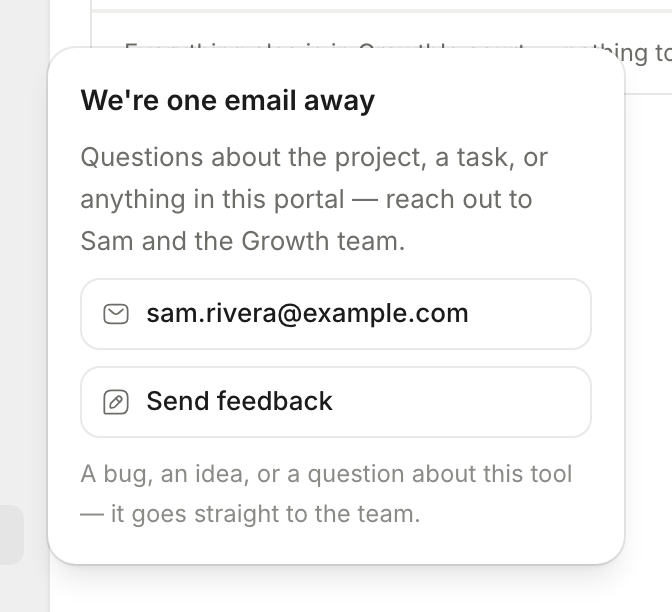
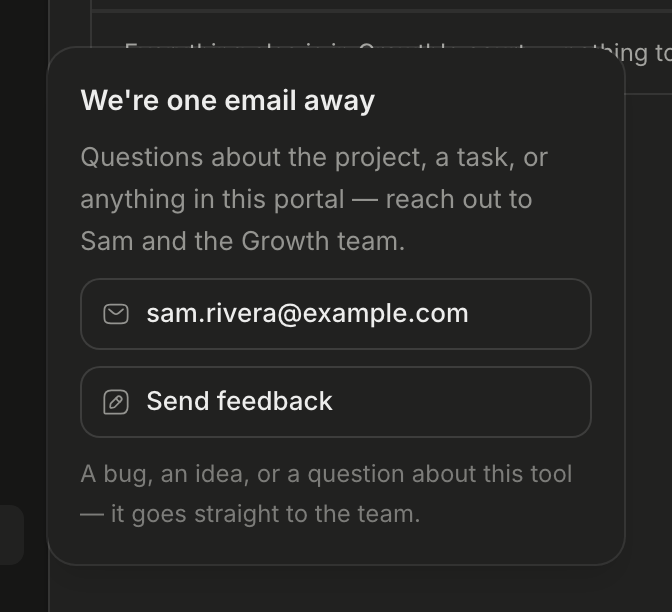
Send feedback
Use feedback to report a bug, to give an idea or to ask for a new function.
- Select Help.
- Select Send feedback.
- Select Bug, Idea or Question.
- Write your message.
- Select Send feedback.
Trail Map sends your message to the Growth team. It also sends the address of the page that you were on.
Tip
Write a question about a task or a deliverable as a comment on that item. The answer then stays with the work.
Take the tour
Open the menu below your name. Select Take the tour to see the main pages one by one.
Your settings
Open the menu below your name at the bottom of the sidebar. Then select Settings.
| Page | What you can do |
|---|---|
| Profile | Complete About you: Full name, Job title, Department / area, Role level and What you want out of HubSpot. Your Email also shows here. |
| Appearance | Select a Theme: Light, Dark, Midnight, Horizon Dark or Horizon Light. |
| Notifications | Select the emails that you get. Refer to Notifications. |
| Your engagement | Read the project name, your company name, the start date and the meeting frequency. |
| Sign-in | Select Change password. |
Trail Map saves your changes automatically. There is no Save button.
Log out
Open the menu below your name. Then select Log out.
Was this page helpful?