
Deliverables and approvals
Examine the work from Growth, approve it or ask for changes, and sign off milestones.
A deliverable is a thing that Growth makes for you, for example a workflow, a list or a report. When a deliverable is ready, Growth asks you to examine it. Your approval tells Growth that the deliverable is complete.
The Deliverables page
Deliverables shows all the work that Growth makes for you. Each row shows the approval status, the number of comments, the Reviewer, the Owner, the Due date and the status.
- Group puts the list into groups by Status or by Milestone.
- Sort and Filters change the list by milestone or by status.
- Select a deliverable to see its details on the right. Select Full page to open it on its own page.
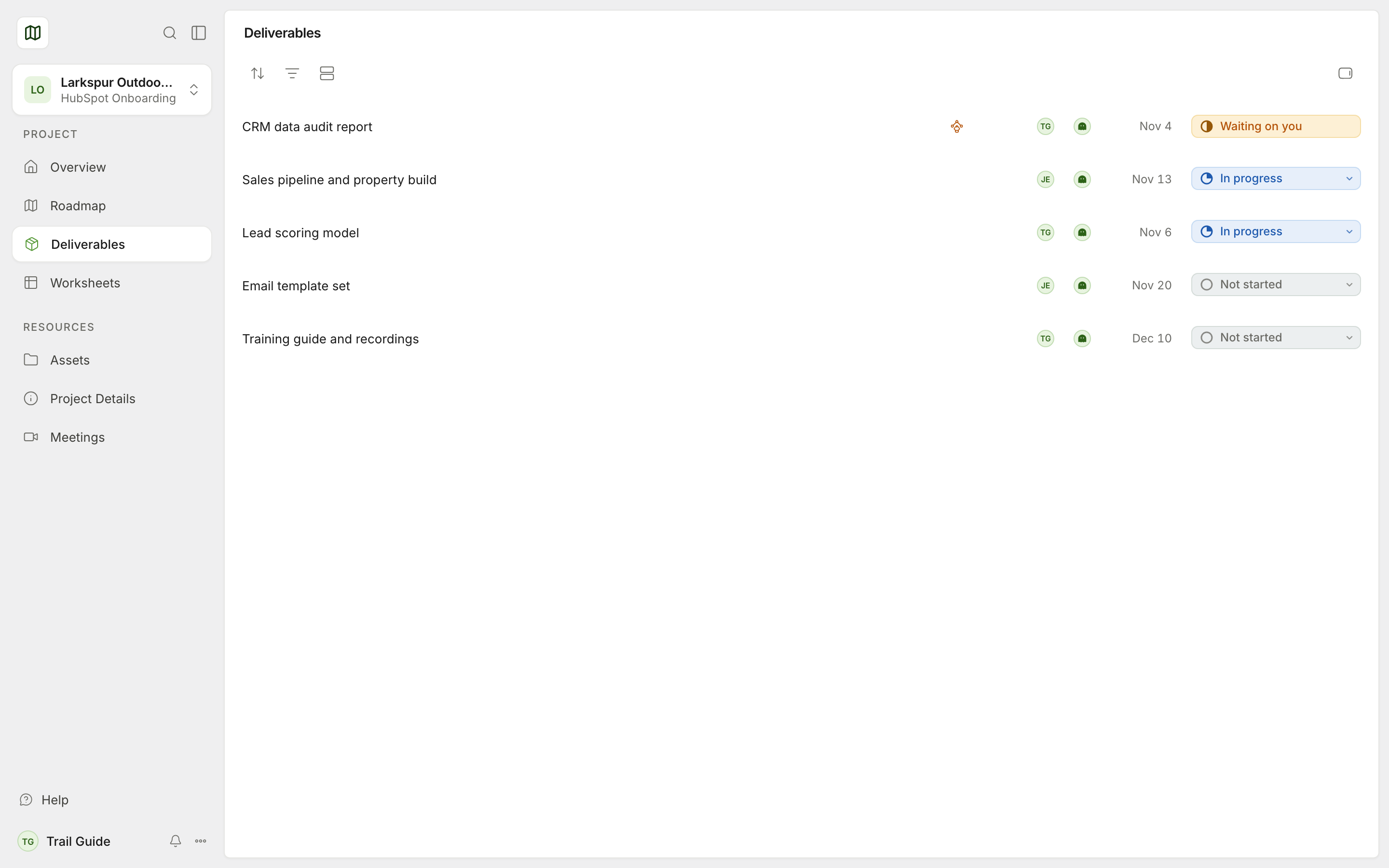
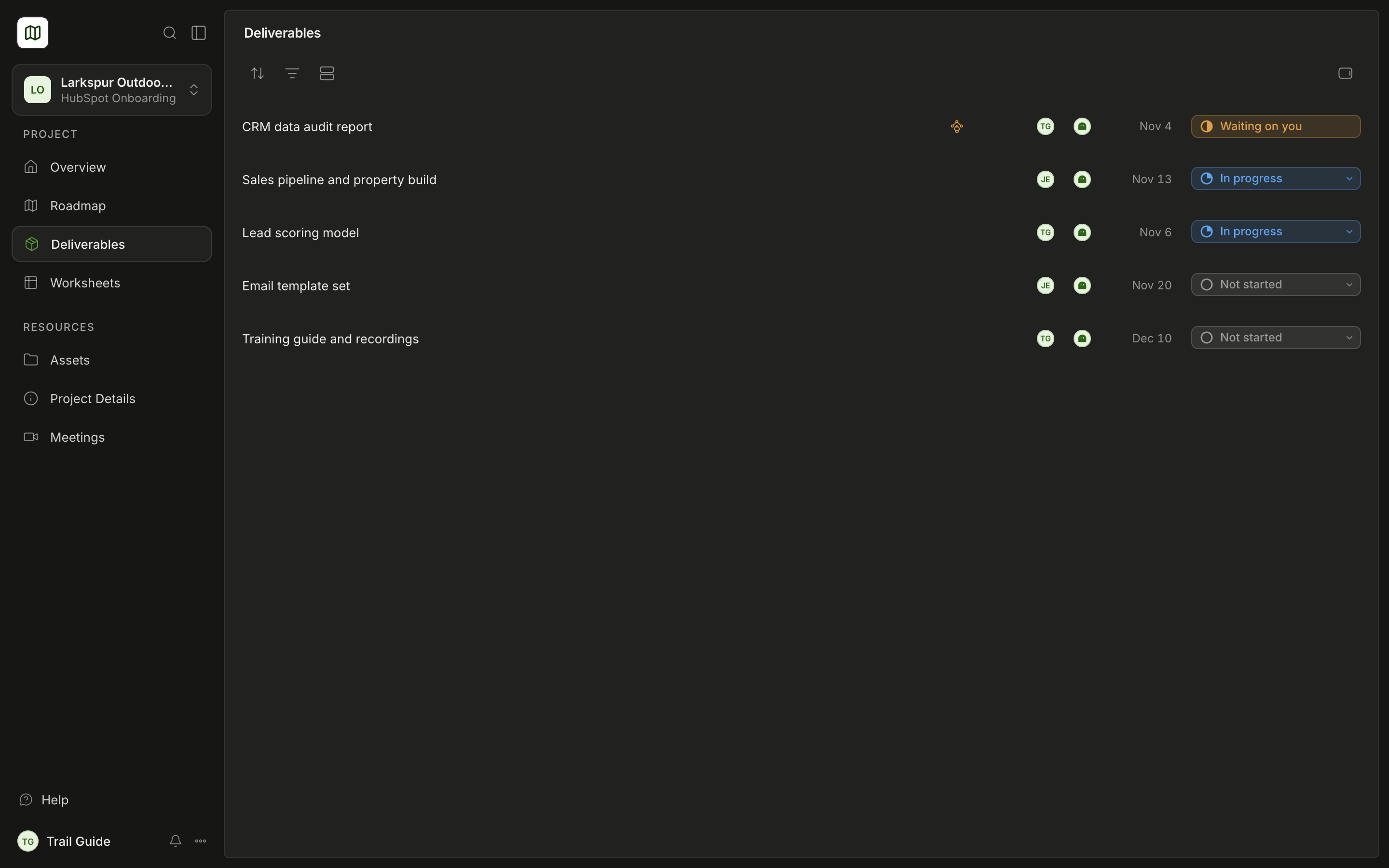
The details show the Approval status, the Description, the linked tasks, the attached Assets and the Comments.
When Growth asks for your approval
Growth selects one person from your team as the reviewer. When Growth asks for a review, these things occur:
- The reviewer receives an email. The subject is Review and the name of the deliverable. The button in the email opens the deliverable.
- The deliverable shows on your Overview in Waiting on you, with Review & approve.
- The deliverable shows Requested and the date.
Only the reviewer can approve the deliverable or ask for changes. All the other persons on your team can read the deliverable and write comments on it.
Approve a deliverable
Examine the work
Open the deliverable. Look at the items in Assets. If you have a question, write a comment.
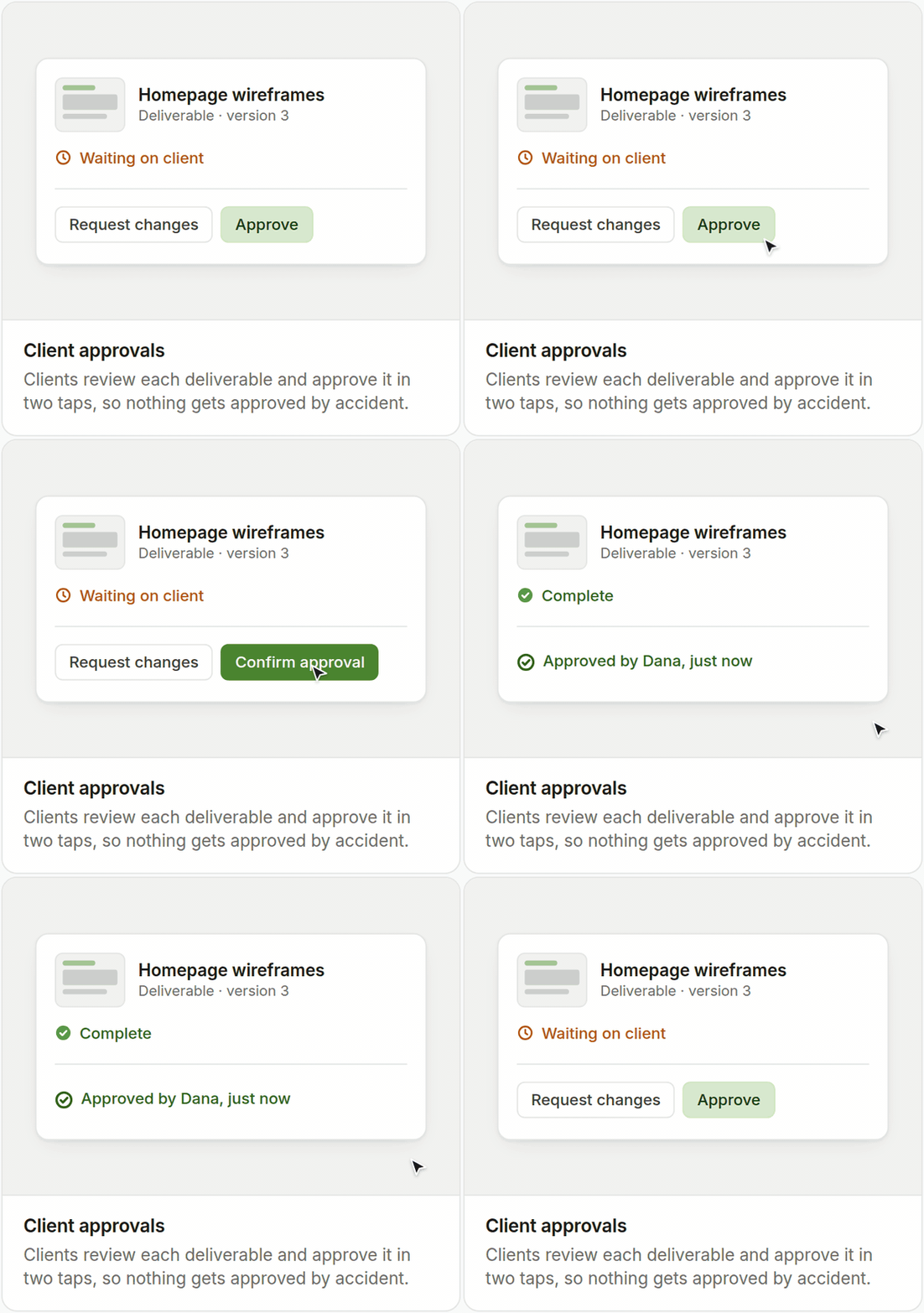
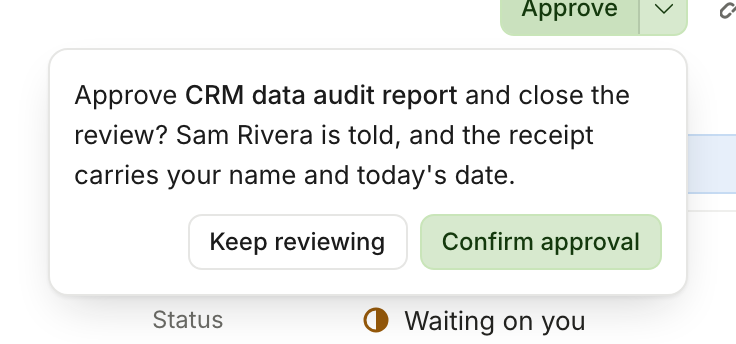
Select Approve
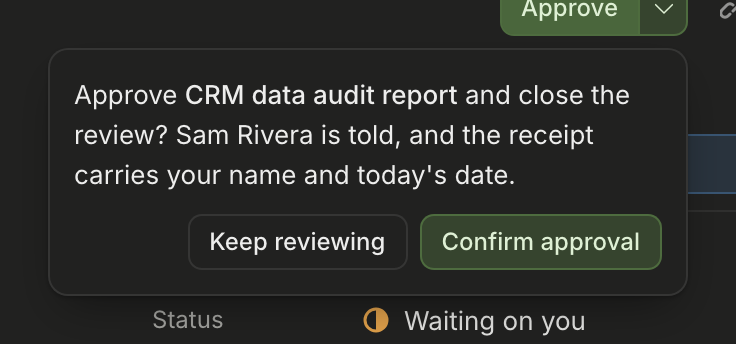
Approve is at the top of the page. A box asks you to confirm. The box tells you that Trail Map will tell Growth and put your name and the date on the receipt.
Confirm
Select Confirm approval. To stop, select Keep reviewing. Trail Map records nothing until you confirm.
After you confirm, Approval recorded shows at the bottom of the page with Undo. You have 10 seconds to undo the approval. Then the top of the page shows View receipt.
Ask for changes
- Open the arrow next to Approve (More ways to finish).
- Select Request changes.
- In What needs to change?, write the changes that are necessary.
- Select Confirm changes.
Growth reads your note and makes the changes. Then Growth asks you to examine the deliverable again.
What an approval means
- It is a record. The approval shows your name and the date. Growth and your team can open the receipt at any time.
- It is for one deliverable only. An approval for a deliverable does not approve the tasks around it. When you complete a task, Trail Map does not approve a deliverable for you.
- It closes the review. If you change your decision after the 10 seconds for Undo, ask Growth. Growth can open the approval again, and the history keeps the two steps.
You can also see these receipts:
- Recorded by a Growth person for a person on your team. You approved by email or on a call, and Growth recorded it.
- Approved by Growth. Growth closed the deliverable for its team. This is not your approval.
Milestone sign-off
A sign-off is your "yes" for a full milestone. Growth decides when to ask for it.
Open the sign-off
On the Roadmap, the milestone shows a Sign off button. The details of the milestone also show this button.
Examine the contents
The window shows the deliverables of the milestone and the approval status of each one. Select a deliverable to open it. You can sign even if some work is not complete.
Sign
If necessary, add an Optional note. Type your name in Signature. Select Sign off. To close the window without a signature, select Not yet.
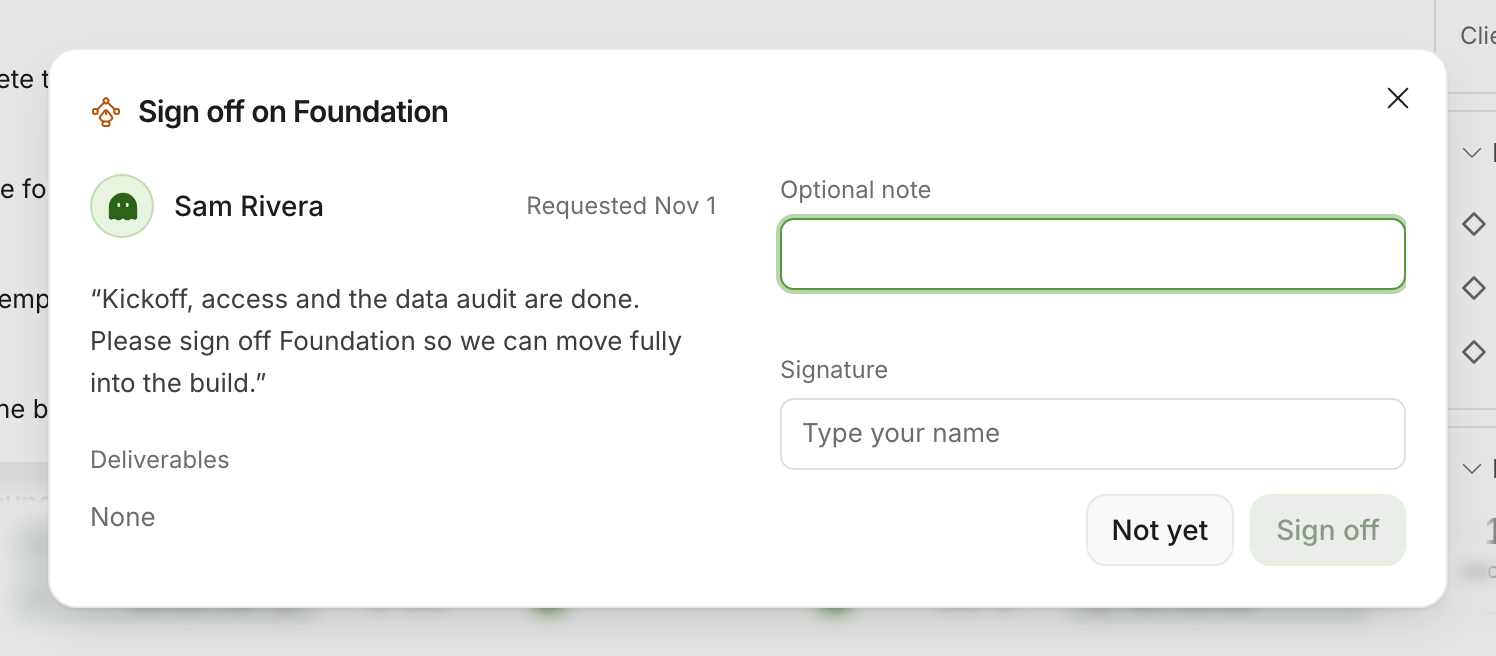
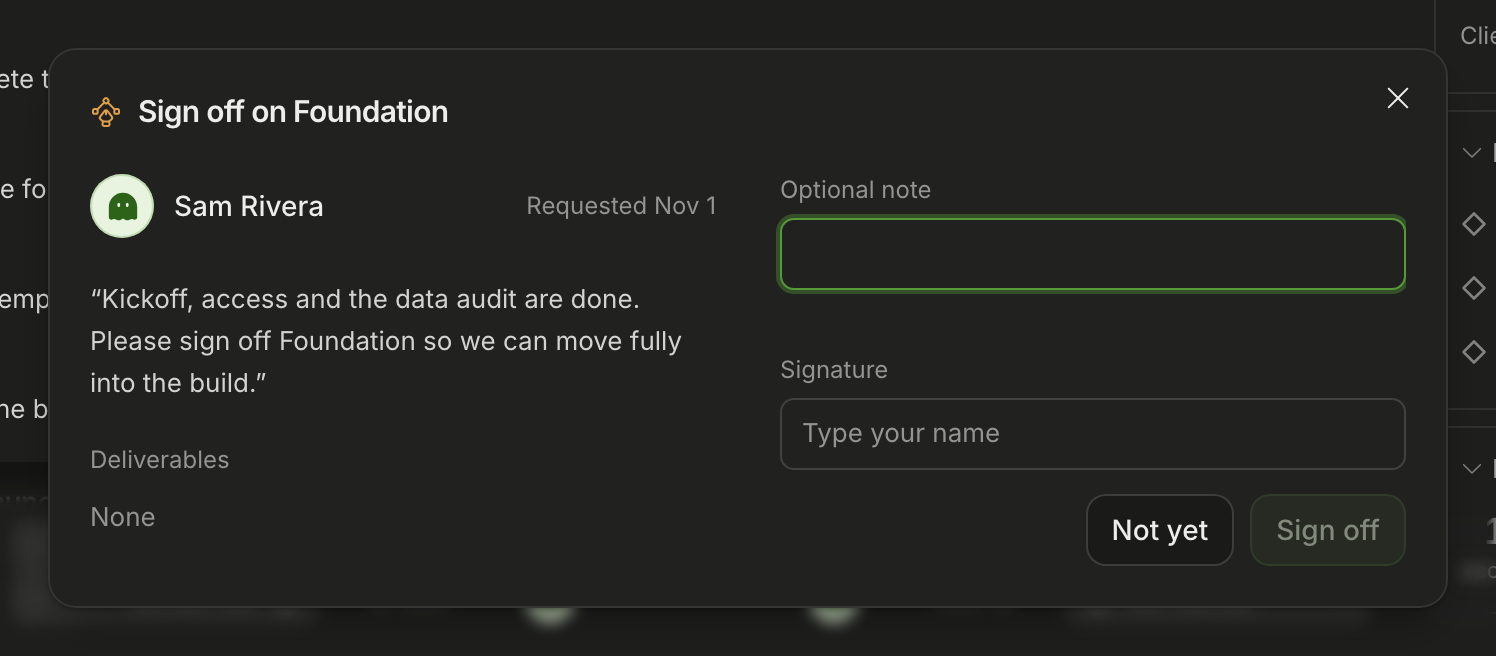
After you sign, the milestone shows a Receipt. The receipt shows your signature and the items that the milestone had at that time. If Growth cancels a sign-off, the history keeps the signature and the cancellation.
Was this page helpful?