
Sign in to Trail Map
Accept your invitation, sign in and reset your password.
Accept your invitation
Growth sends you an invitation by email. The invitation opens your project.
Open the invitation email
Select the button in the email. The page shows You're invited, the project name, the person who invited you and your email address.
Make a password
Type a password. Then join the project.
Complete your account
A short setup starts with Welcome to Trail Map. Select Get started. In Set up your profile, add a photo if necessary. Type your Full name and your Job title. Then select a theme and the emails that Trail Map sends you.
Open your project
The last screen shows You're all set. Select Open with your project name. The Overview opens.
If you are a project lead for your team, the setup also shows Invite your teammates. Type their email addresses and send the invitations. You can also select Skip for now.
If the link does not work
- The link expired. Select Send me a new link. Then look for the new email.
- You used the link before. Trail Map opens the sign-in page with your email address in it. Sign in with the password that you made.
Sign in
Go to trailmap.growthoperationsfirm.com. The page shows Sign in to your project.
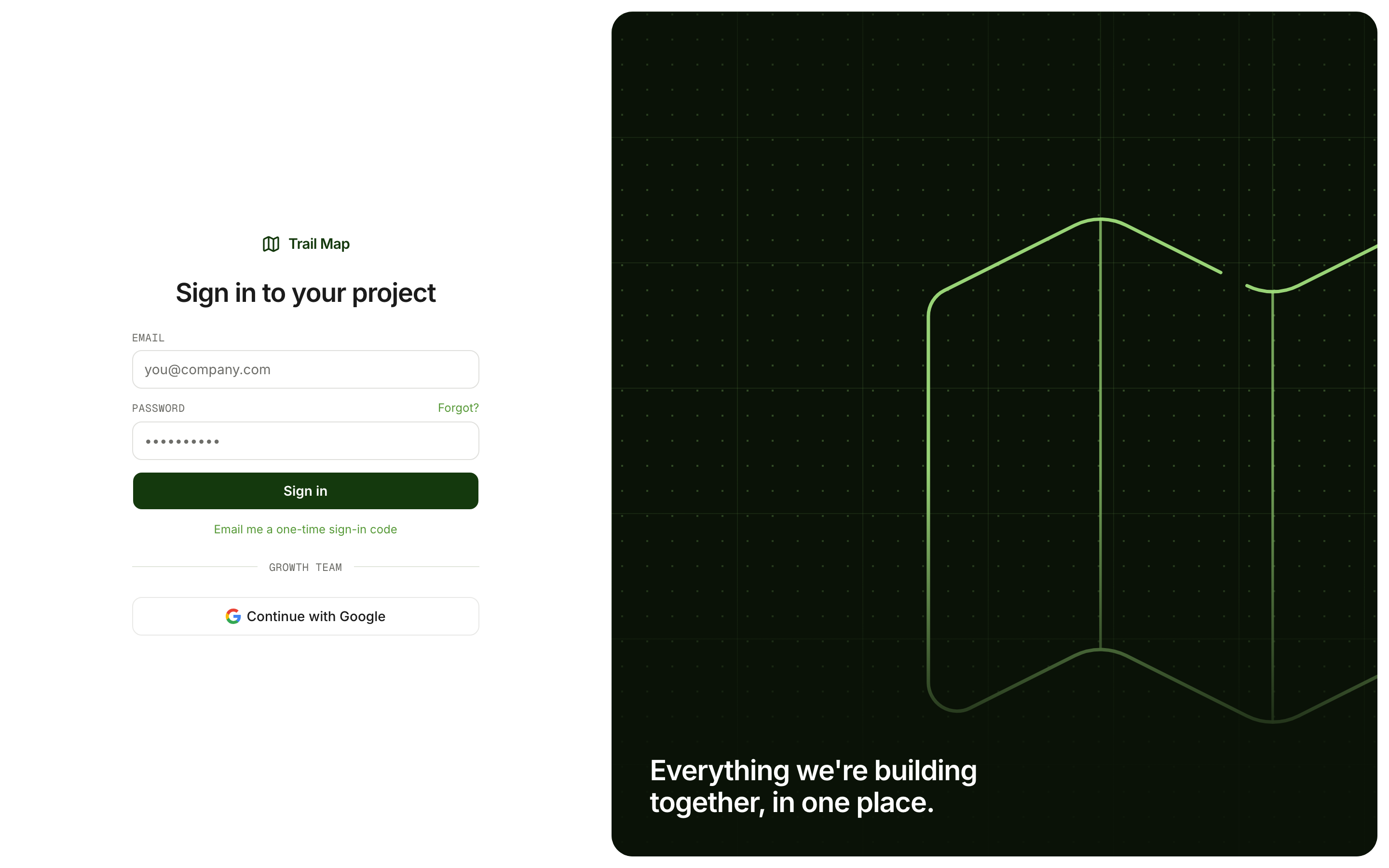
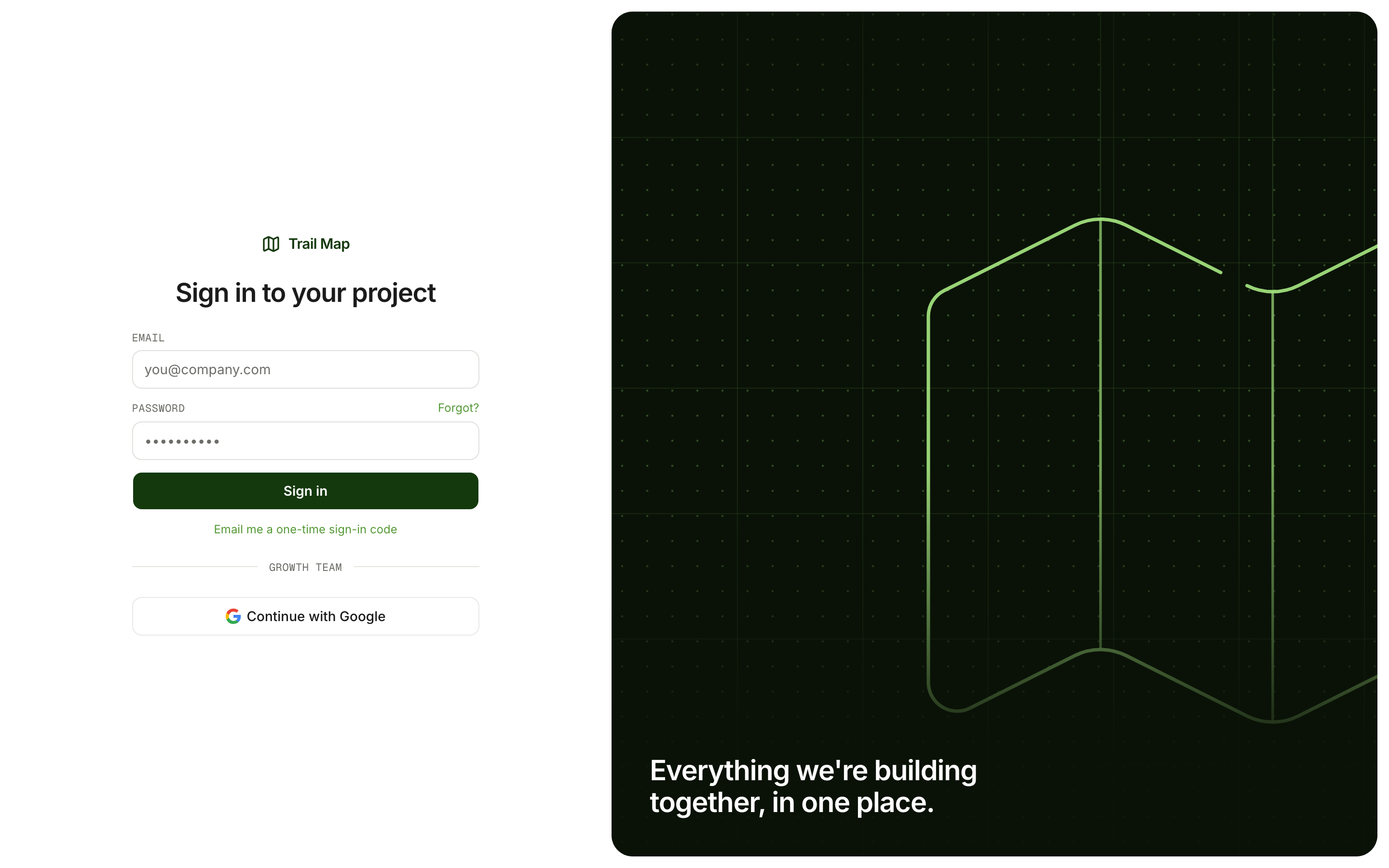
- Type your Email and Password.
- Select Sign in.
Trail Map opens the last project that you used.
If the email and the password do not agree, the page shows an error. After too many incorrect tries, wait some minutes. Then try again.
Sign in without your password
Select Email me a one-time sign-in code. Trail Map sends you a code by email. Use this code to sign in.
Reset your password
- On the sign-in page, select Forgot?
- Select Email me a reset link.
- Open the email and select the link.
- On Set a new password, type your New password two times.
- Select Save password and continue.
Change your password
- Open the menu below your name at the bottom of the sidebar.
- Select Settings › Sign-in › Change password.
If you cannot open your project
- Your account is not on a project. You can sign in, but you cannot see a project. Ask your Growth lead for an invitation.
- You do not have access to a project now. The page tells you if Growth removed your access or archived the project. It also shows the project lead, if there is one.
Sign out
Open the menu below your name. Then select Log out.
Was this page helpful?