
Meetings
The summaries and recordings of your calls with Growth.
Meetings keeps a record of your calls with Growth. Each meeting has a date, a list of attendees, a summary and a recording.
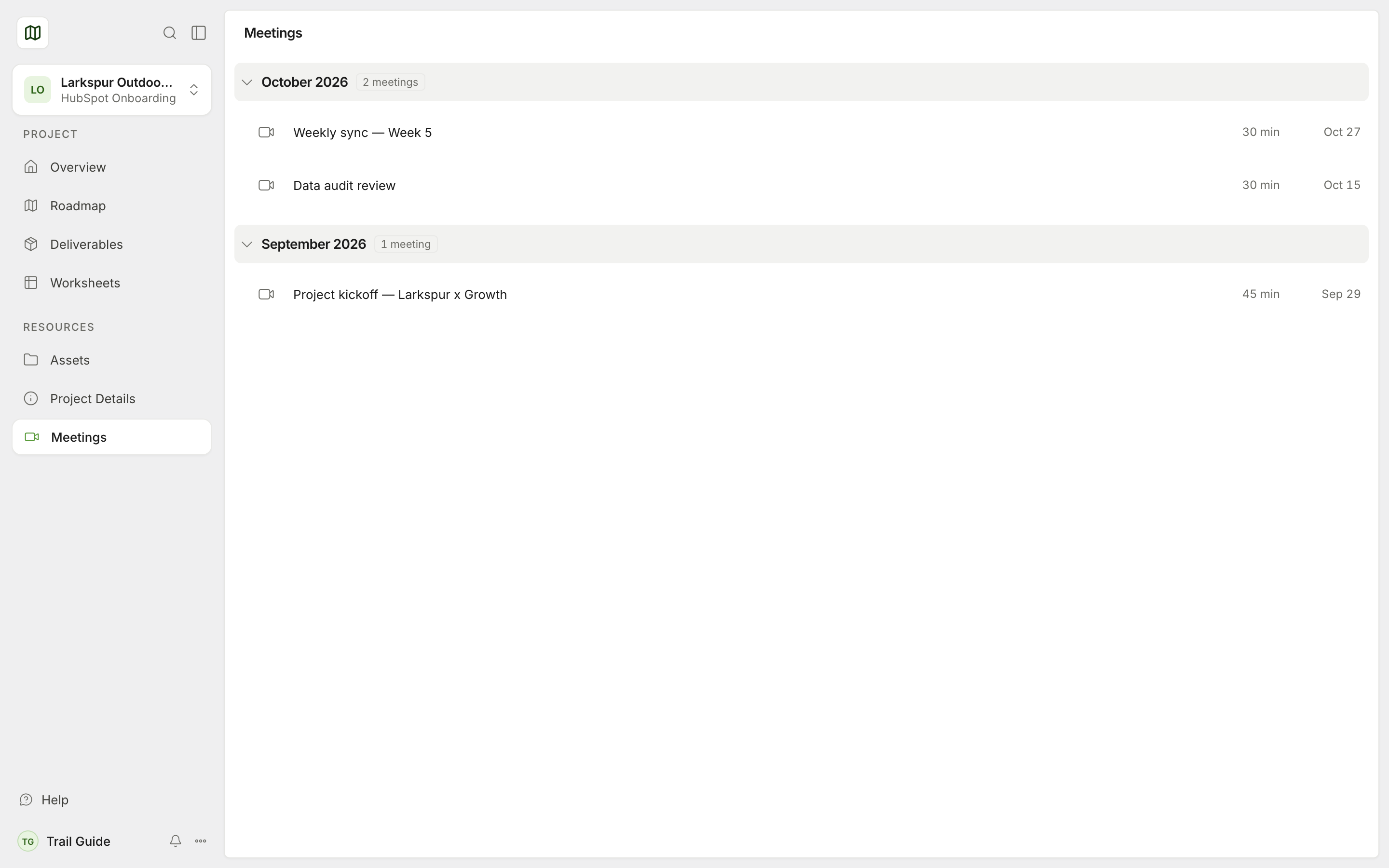
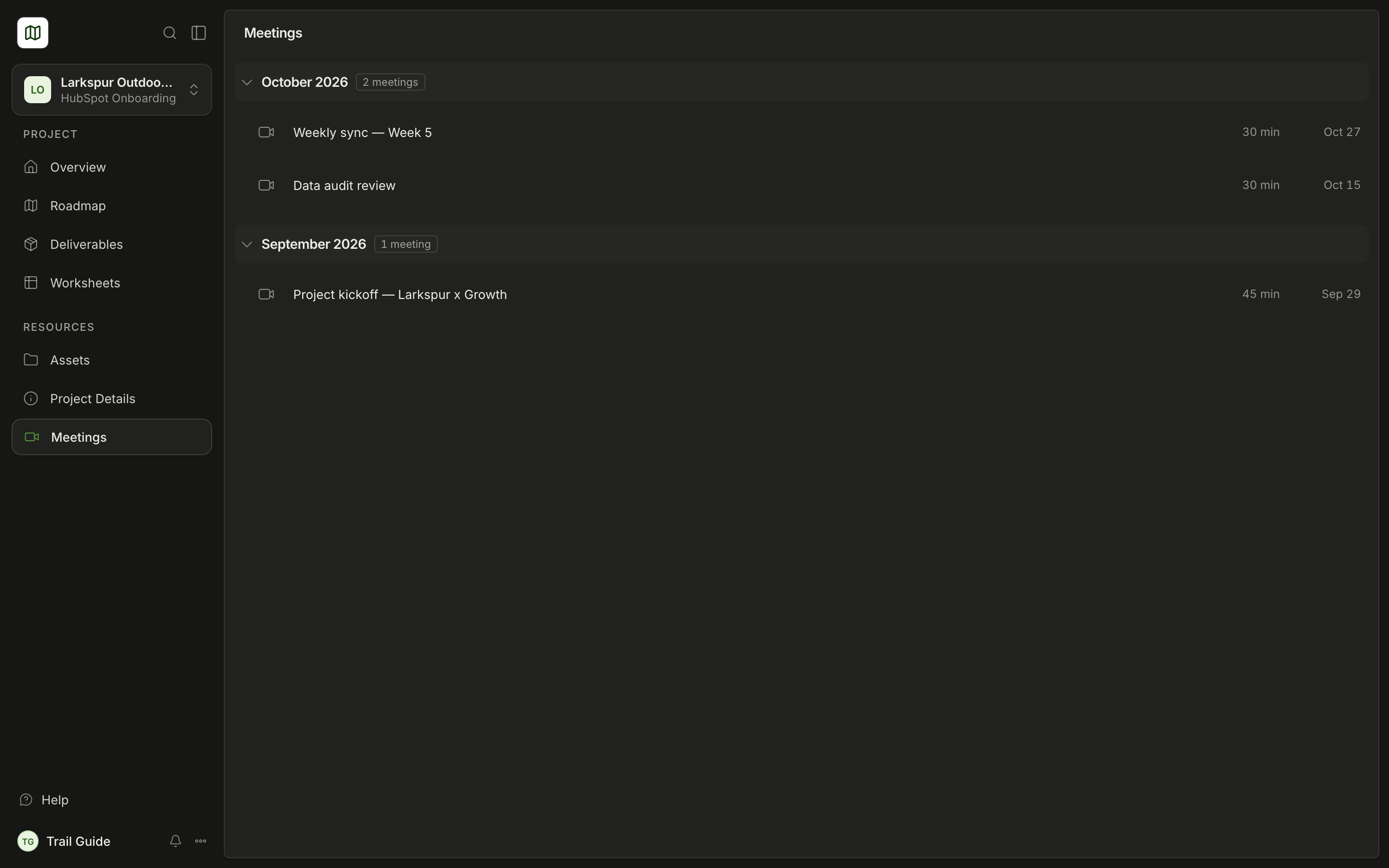
The meetings list
The list shows the meetings in groups by month. Select a month to close or open it. Your next call shows at the top as Next call.
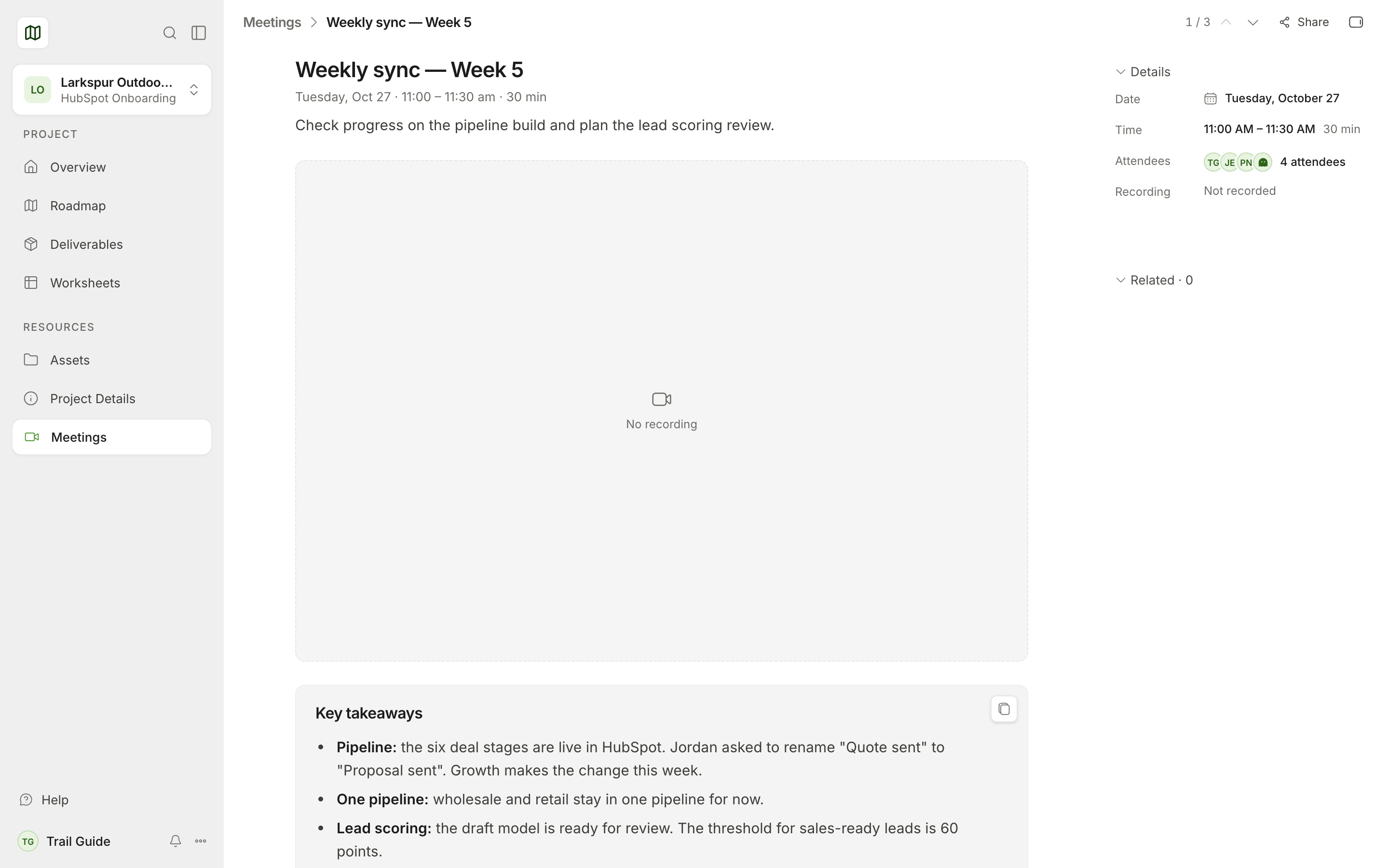
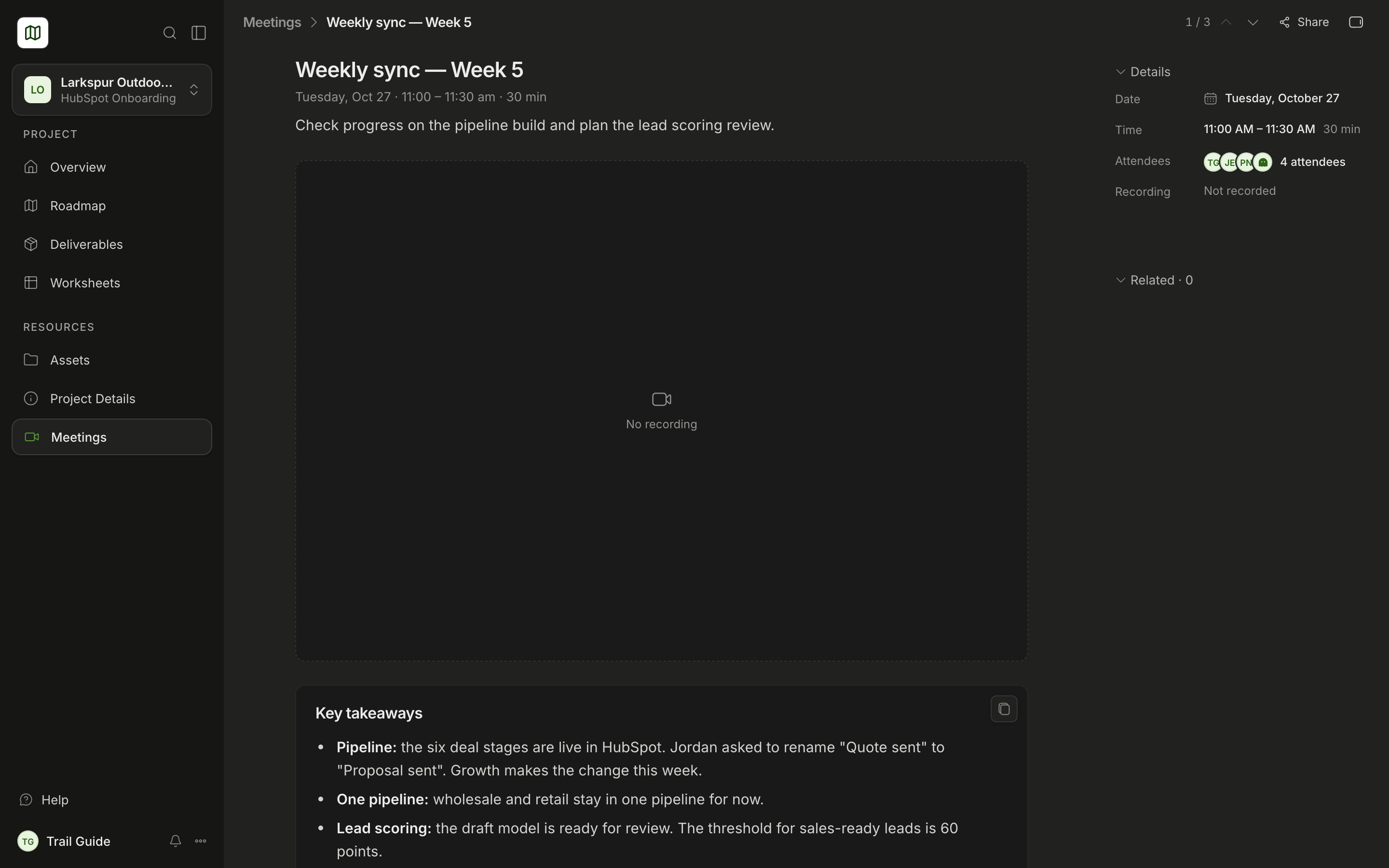
Select a meeting to see its details on the right:
- Date, Time and Host
- Attendees
- Recording or Call link, with Copy link
- Related: the tasks and deliverables that Growth linked to the call
Use Previous meeting and Next meeting to move through the list.
The meeting page
Select Full page to open the meeting on its own page.
- The recording plays in the page for YouTube, Vimeo, Loom and Fathom links. For other recordings, you get a link, for example Watch on fathom.video.
- The summary gives the main points of the call. Select Read more to see all of the summary. Select Copy summary to paste it in a different location.
Your next meeting
The Overview also shows your next call.
If your project shows a Book time with card in the sidebar, select Book a meeting. Then select a time with your Growth lead.
Was this page helpful?