
Comments, mentions and notifications
Talk to Growth about the work, and select the emails that you get.
Where you can comment
You can write a comment on a task, a milestone, a deliverable or a worksheet row. The comments stay with the item. A person who opens the item later can see all the comments.
Write a question about the work as a comment on that item. For all other questions, use Help.
Write a comment
- Open the item and find the comment box. In a side panel, the box is Add a comment. On a full page, it is Leave a comment.
- Type your message.
- Select Send comment, or press ⌘ Enter (Ctrl Enter on Windows).
- Attach files adds a maximum of 5 files, 10 MB each.
- If you close the box before you send the comment, this browser keeps your text. The text shows again when you open the box again.
Mention a person
Select Mention someone, or type @. Then select a person. Trail Map sends that person a notification.
Reply, react, edit and delete
Move the pointer over a comment and open Message actions. You can also right-click the comment.
- Reply answers that comment. Your reply shows below it. To stop, select Cancel reply.
- Copy link copies a link to the comment.
- Copy text copies the text of the comment.
- React adds 👍 ❤️ 🎉 👀 ✅ or 😂. To add the same reaction as a different person, select it below the comment. Select it again to remove your reaction.
- For your own comments, Edit changes the text. Select Save when you finish. Delete removes the comment for all persons.
Notifications
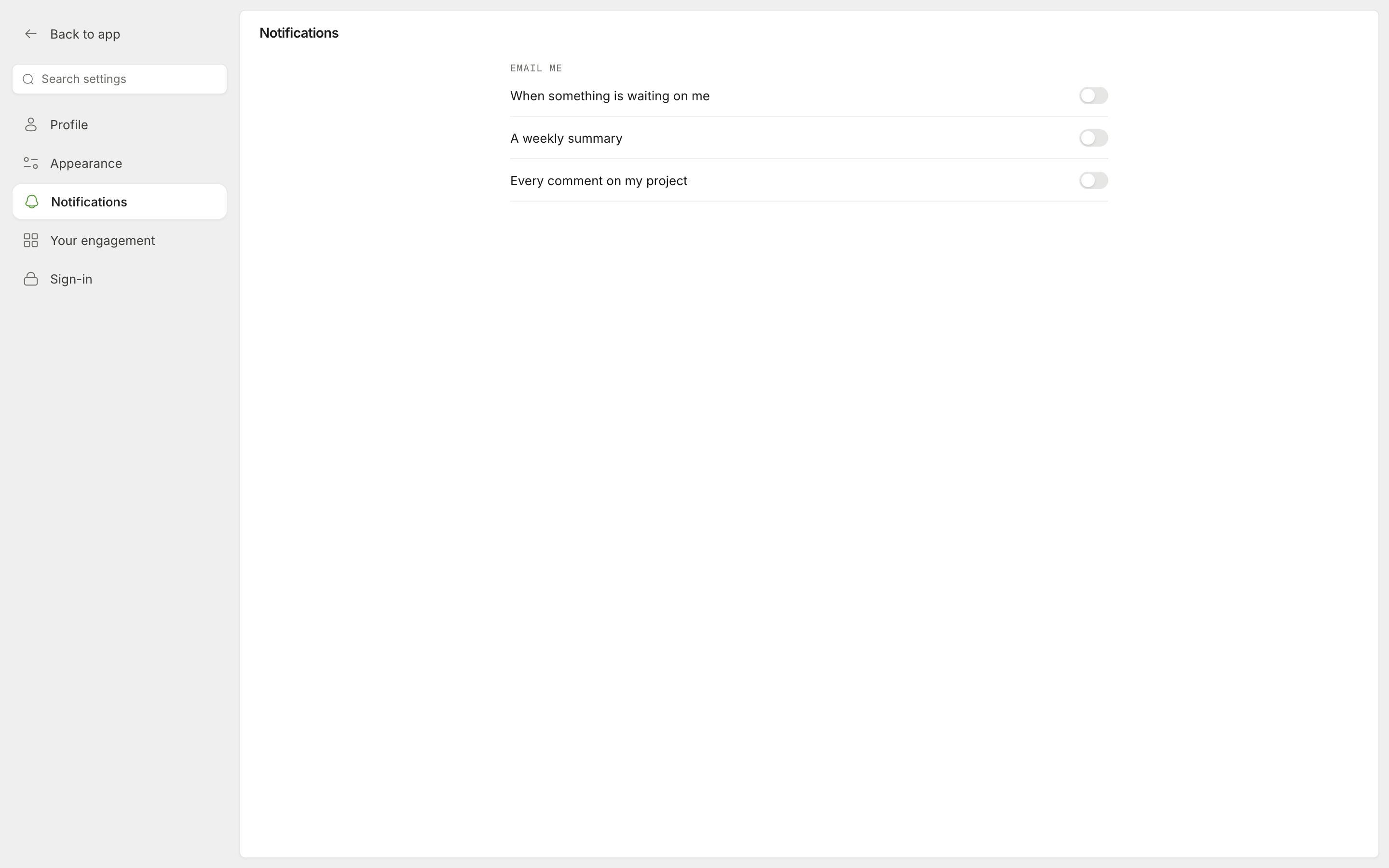
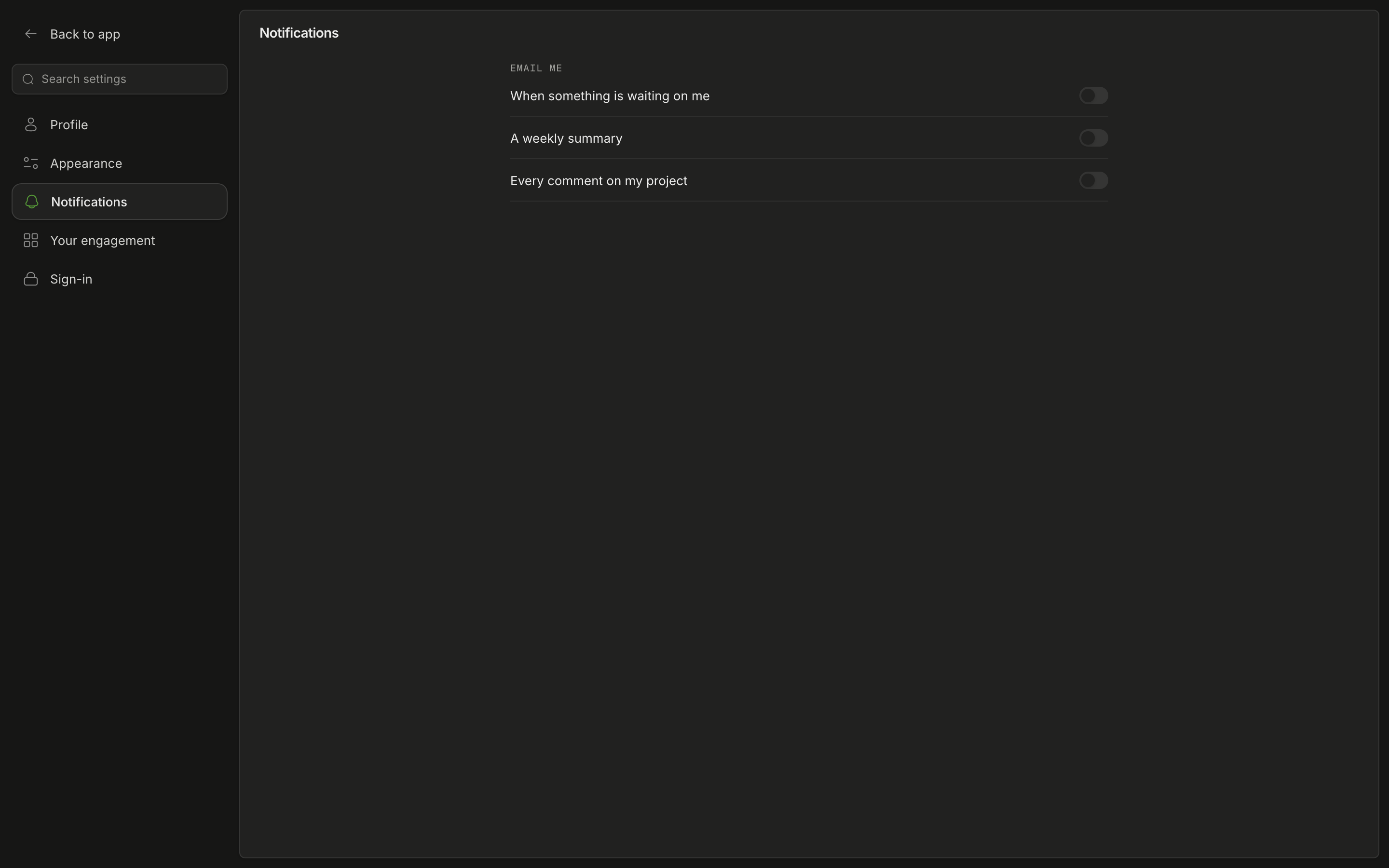
Trail Map sends you emails about your project. To select the emails that you get, open the menu below your name. Then select Settings › Notifications. The switches are in Email me:
| Switch | Emails |
|---|---|
| When something is waiting on me | An email when an item waits for you. For example, a deliverable to examine, or a mention or a reply from a person. |
| A weekly summary | One email each week about your project. |
| Every comment on my project | One email for each comment on your project. |
Trail Map saves each switch immediately when you change it.
Was this page helpful?